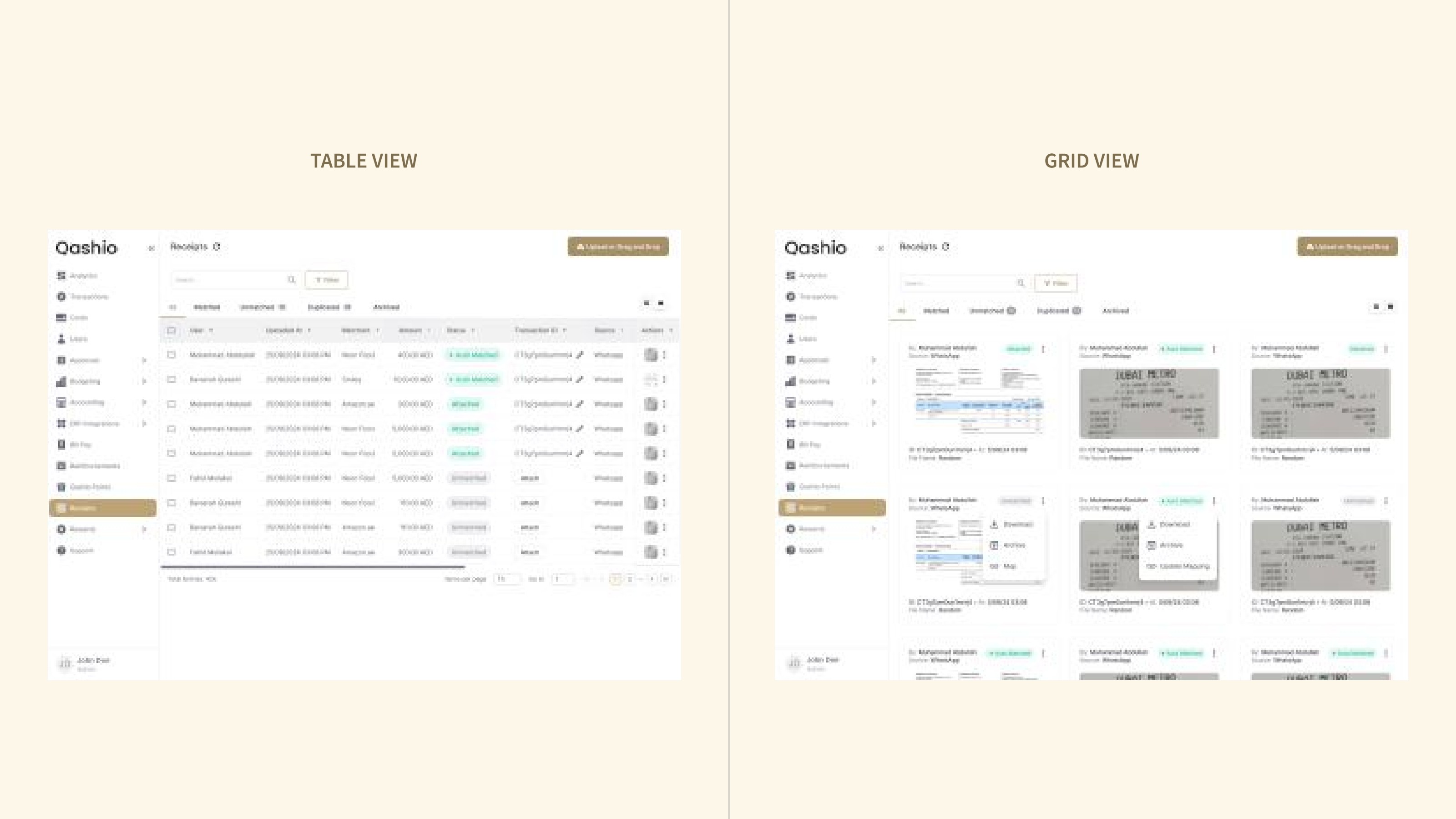
Receipt Inbox — a centralised hub with AI matching
Manually attaching receipts to transactions was slow, error-prone, and had no memory. I designed a centralised receipt inbox with bulk upload, AI-powered auto-matching, and a floating bulk-action bar that later became a platform-wide pattern.
- Client
- Qashio — Corporate spend & card platform
- Role
- Product Designer
- Year
- 2024
- Tools
- Figma · FigJam · PostHog
Method, insight, decision, tradeoff.
The four beats that turn a project into evidence — how I researched it, what I learned, the call I made, and the compromise I accepted to make the call.
Structured brainstorming session with Customer Success — the team closest to daily receipt pain — because budget didn't allow direct interviews. Followed by internal usability with the Qashio finance team on hundreds of real receipts.
AI matching wasn't the missing piece. What admins needed was a receipt hub with bulk actions, a preview before mapping, and language that matched how finance teams already talked (Attached, Unmatched, Duplicate).
A centralised inbox with bulk upload, drag-and-drop, and a floating bulk-action bar. AI ranks; humans verify. A preview panel prevents the wrong-receipt-attached mistake before it happens.
Renamed the status labels after beta feedback (Mapped → Attached, etc.). A late change that shipped anyway — labels people can't parse are worse than labels people criticise.
Phases, decisions, artifacts, outcomes.
The actual shape of the work — not the marketing version. Each phase lists the calls I made, what shipped, and what moved.
Discover
- Session with management and Customer Success — the team closest to daily receipt pain.
- No direct interviews (budget) — replaced with a structured CSM brainstorming session.
- CSM pain-point map: manual attach, duplicates, no search, admin overhead.
Framed the problem as a receipt hub, not a receipt attachment feature.
Define
- Bulk upload is the first-class action.
- AI does the first pass; humans do the last mile.
- Multi-source ingestion: WhatsApp, email, manual upload — one inbox.
- Solution brief with 8 capabilities, prioritised by impact and effort.
Committed the scope: an inbox with categories, not a form with an uploader.
Design
- Reuse existing patterns wherever possible — new work only for drag-and-drop and bulk actions.
- Preview mode inside the map-receipt flow to prevent duplicate mistakes.
- Table and grid view, drag-and-drop upload zone, floating bulk-action bar, receipt preview panel.
Stakeholders approved the primary flow in the first iteration.
Ship & Measure
- Internal usability with hundreds of real receipts before external release.
- Rename status terms after user confusion in beta.
- Usability findings, status-label refinement, launch metrics.
80% of active users adopted the inbox in month one; duplicates fell 40%.
This case study is under NDA.
Full artefacts, research, decisions, and outcomes are available with a password. If you're a hiring team or collaborator, get in touch and I'll share access.
The problem
Users were attaching receipts to transactions one at a time. Admins were doing it on behalf of teams. The wrong receipt kept landing on the wrong transaction, duplicates piled up, and there was no way to search a receipt or see the ones a company still owed. Compliance and reimbursements — two of the most sensitive workflows in the product — were running on a manual pattern with no memory.
Session with Customer Success
Budget didn't allow for direct user research, so I ran a structured brainstorming session with the CSM team — the group in daily contact with the admins who were living inside this flow. Five pain points surfaced fast: manual attachment was too slow for admins, wrong and duplicate receipts were routine, there was no way to find transactions without receipts, no way to search receipts at all, and admins had no lever to manage receipts across their team.